Use storefries’s photo to insert logo image :
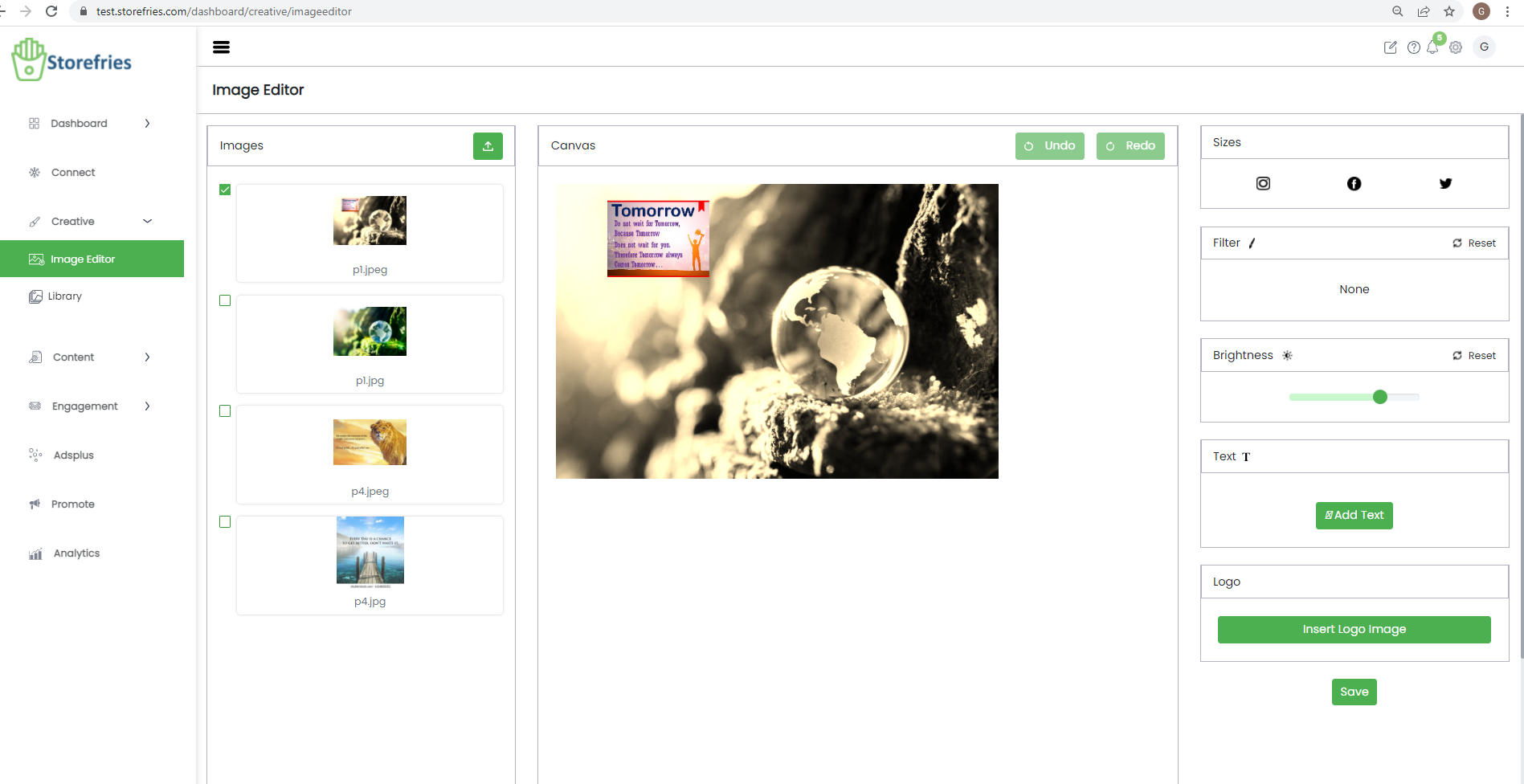
Media Library on storefries:
Media Library on storefries is a file management space that helps you add and manage images to use for your social media posts. With the Media Library,
you can upload pictures from your Desktop or Cloud and maintain a repository of frequently used or key media files to use across your brand's social channels..
Some of the significant benefits of managing a Media Library are,
- The time required to upload any media to your posts from the Media Library is comparatively swifter and more efficient as it is already pre-uploaded and can work from any device you are scheduling/publishing from.
- More sources to choose media filed from in case you are uploading content from the Cloud Picker.
How to upload media to the Media Library?
You can upload media to the Media Library in one ways, from your Desktop
Uploading media to the Media Library from your Desktop
To upload media from your Desktop to the Media Library on storefries , follow the steps below.
- Go to the Posts tab on your Dashboard.
- Tap on the Media Library on the left-hand-side menu.