
URL shorteners
URL shorteners work by creating a redirect to your long URL. The URL shortening service you choose will maintain the connection between the new link and the original URL. This means that anyone who clicks your new link will be redirected to the original page.
How does URL shortener work in Storefries?
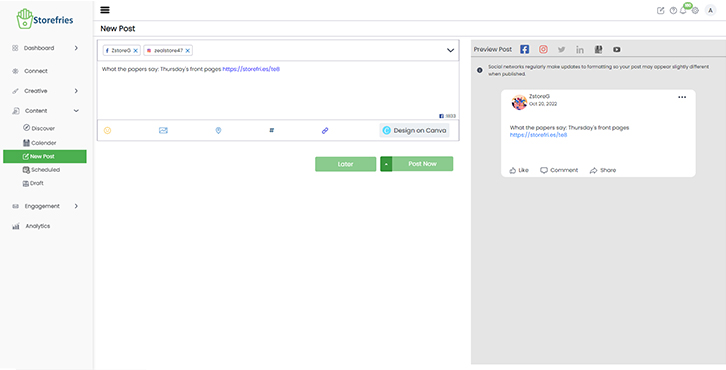
- Default Link Shortener-Storefries:
- Storefries has a Default Shortener. This will be available for all Plans.
- By default, the link pasted in your New Post window will be shortened.
- You can view the original link format by pasting your original URL into the Publishing window and deselecting the Link Shortening icon.
- The original link will then appear on the screen.
How to add Bitly in Storefries?
Storefries's Publishing Window is also integrated with Bit.ly URL shortener.
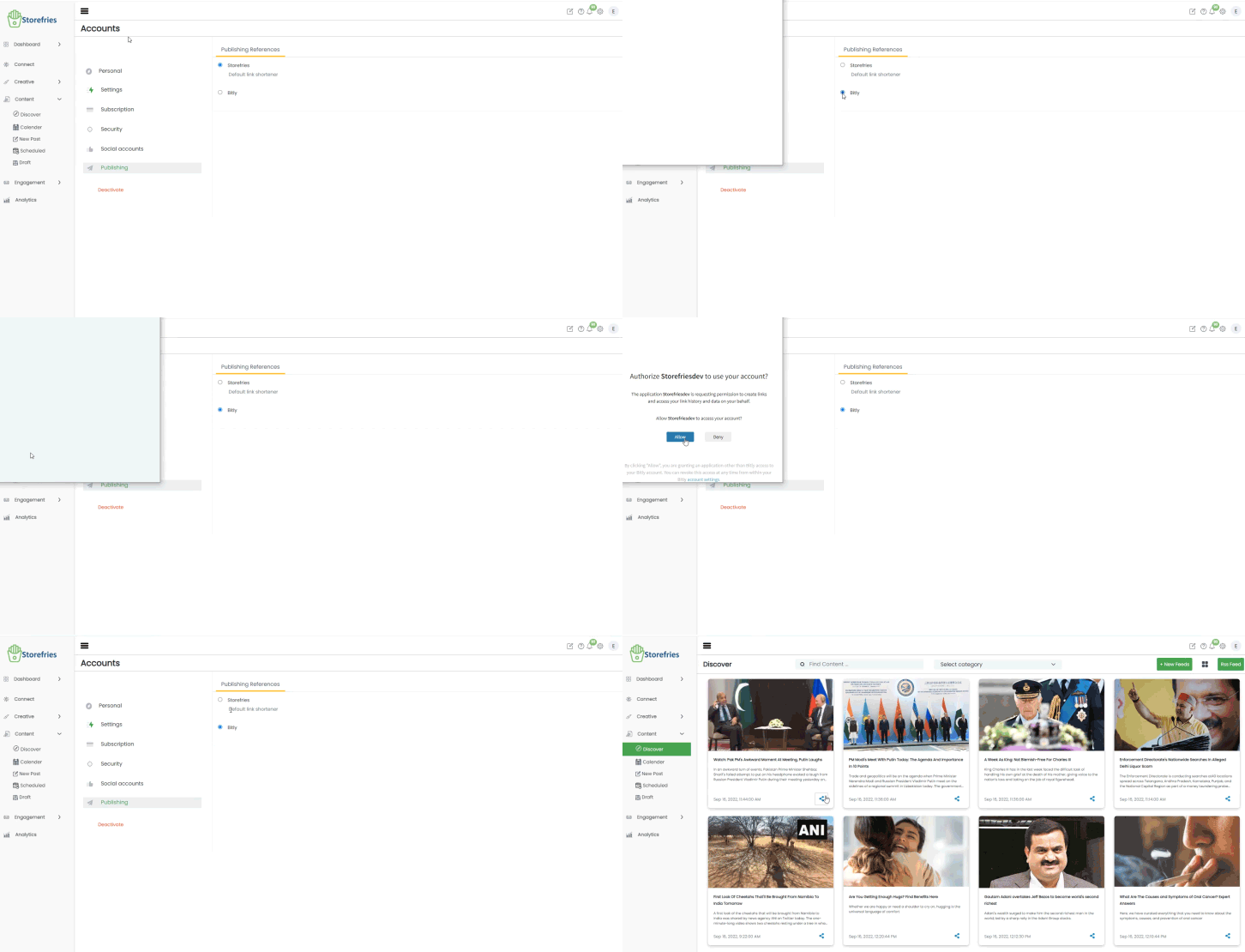
- Go to Storefries on the web, to Shortner the connection.
- Click Settings, and You will see Publishing Button.
- Select a default shortener from the two options: Storefries and Bitly.
- Select Bitly and Login to your Bitly account using your Google Account or email.
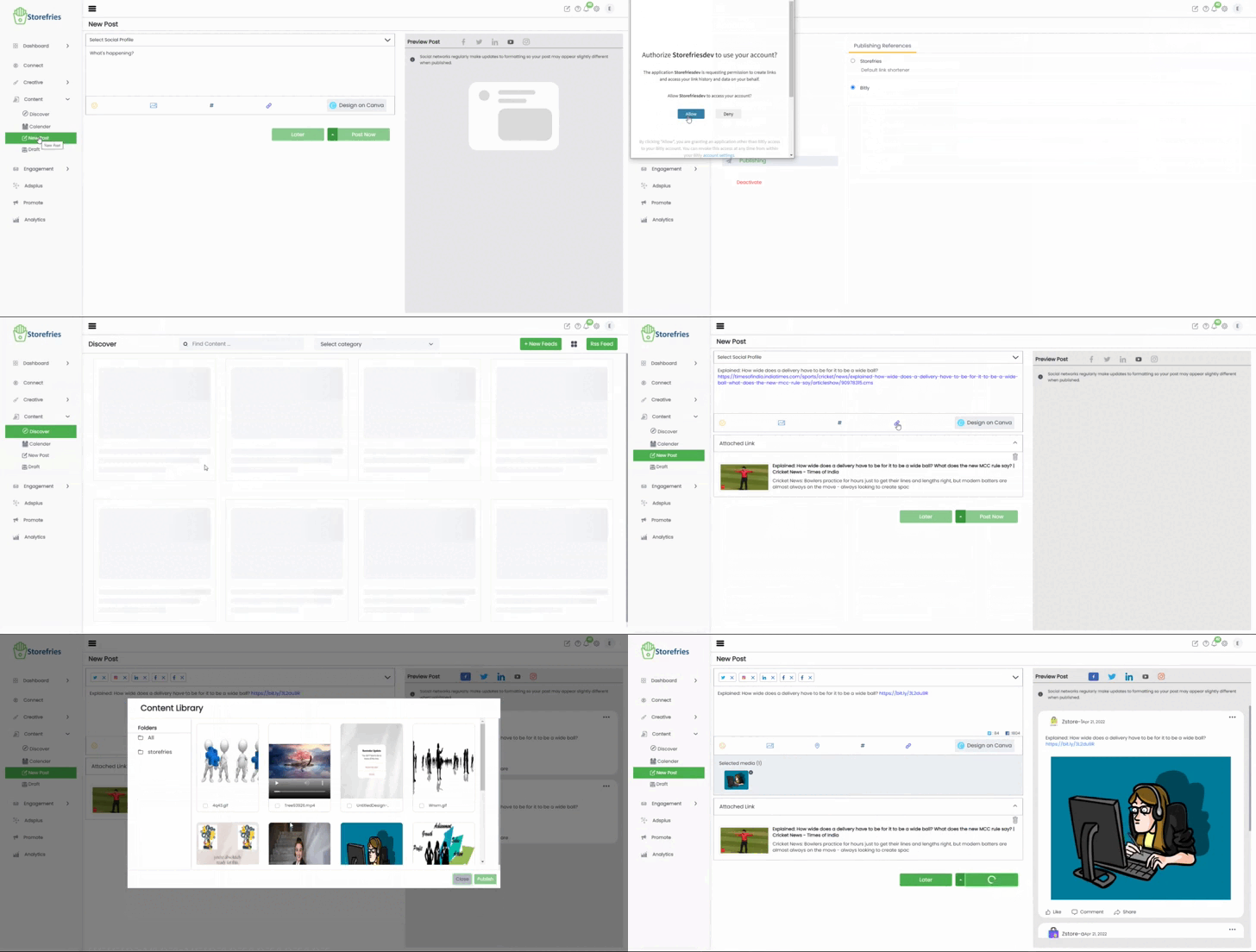
- Click Allow to start using the Bit.ly integration in Storefries.

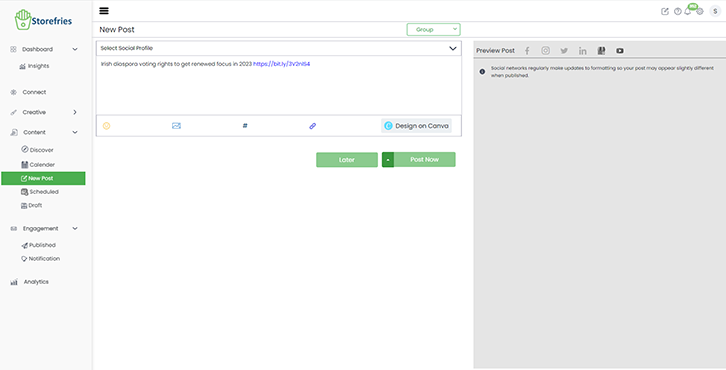
Note: Bitly can't use to free Plan, if you want bitly to post plan will be upgrade.
Page Views: