Desktop:
Switch Between Social Profiles on the Calendar
Looking to switch the social profiles you're viewing or scheduling for on the Calendar? This article will outline how that's done.
From the top of the Calendar, click the check Monthly,Weekly and Day on the social profiles you want to Scheduled calender.
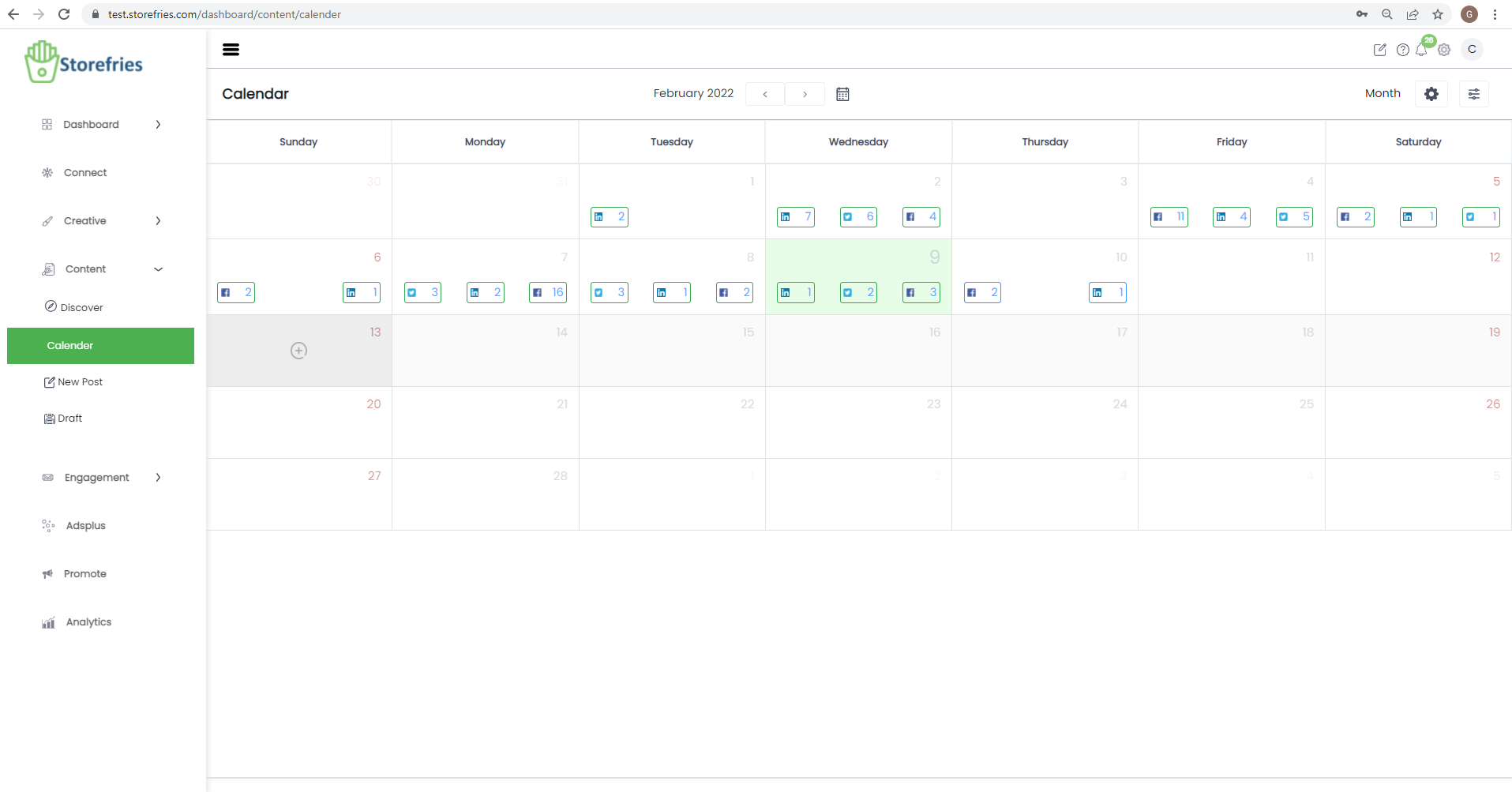
Viewing multiple social profiles at once will allow you to schedule to those profiles at the same time.