
Draft Post :
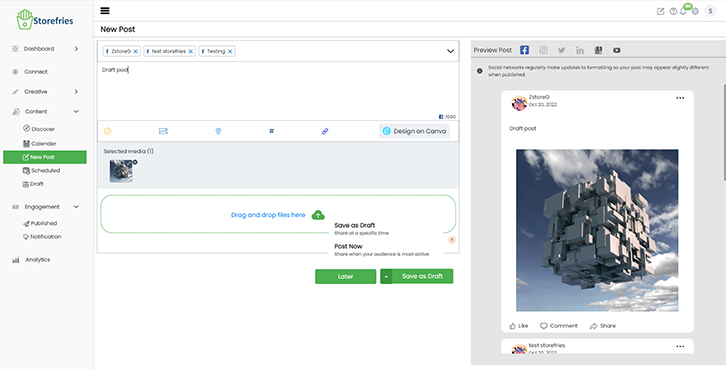
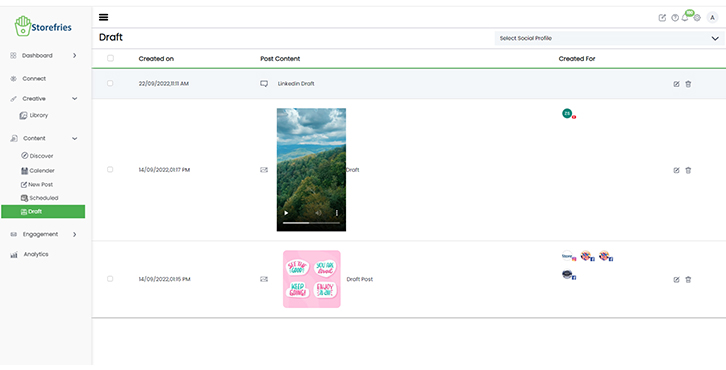
To save your changes, click the draft button, and the post will be saved in the Drafts section under the Posts tab.
How to Draft Post to Storefries?
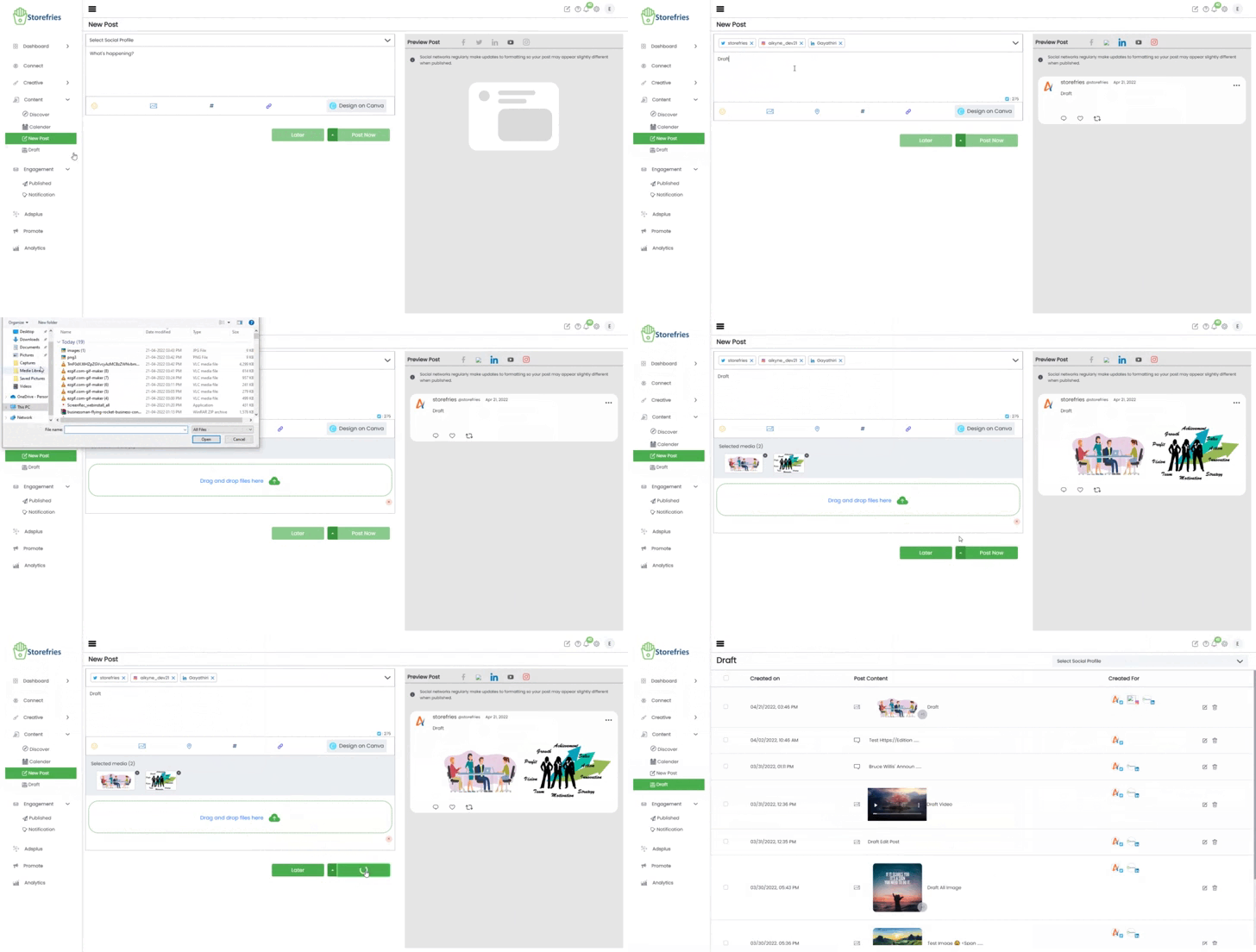
- Go to NewPost or Draft Content.
- Select the Social Profile you want to Draft the post.
- Select any Media to Draft.
- Multi-Media images can be Draft in Storefries on the web.
- Click on Save as Draft and it will redirect to the Draft Section.
- You can easily Edit, Draft posts to Scheduled (Or) Published with a Draft Section or Delete them.
 Page Views: