





Add a Twitter account
Add a Twitter record to storefries to supervise disseminating to your profile close by your other social substance. You can in like manner administer responsibility on your tweets in storefries Streams, regulate direct messages in storefries Inbox, and report on all of your activity with storefries Analytics.
Add a Twitter profile:
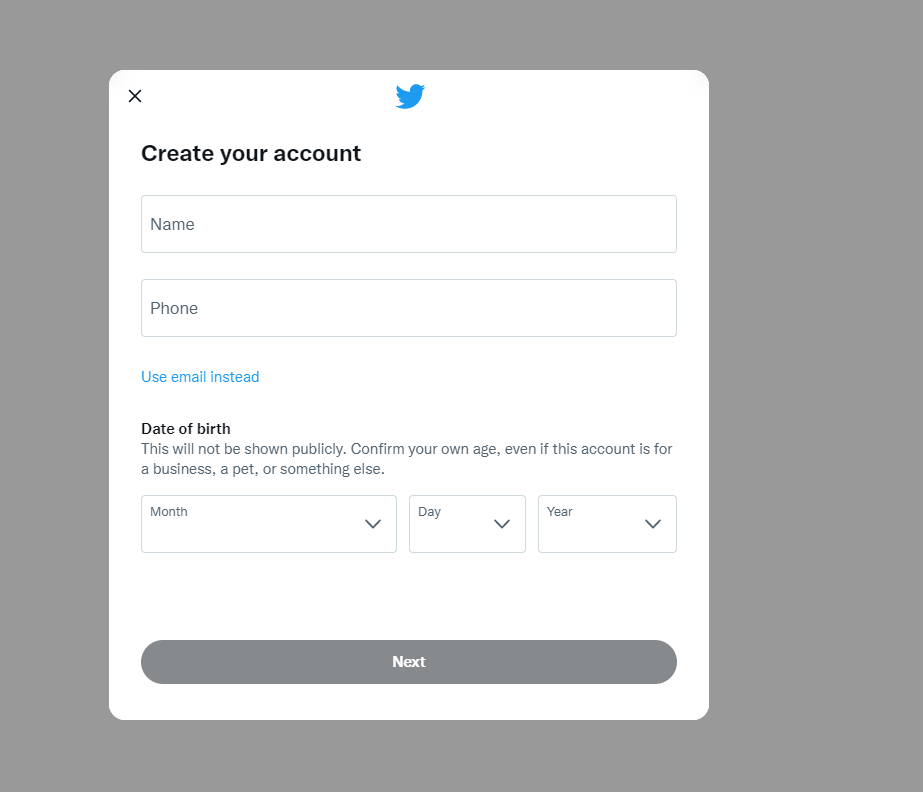
Go to twitter.com and click "Join." Add the going with information:
At the point when you click "Next" Twitter will give you a few choices to tweak your involvement in customized advertisements. This personalization can be advantageous for seeing what different organizations in your industry are accomplishing for their advertisements.
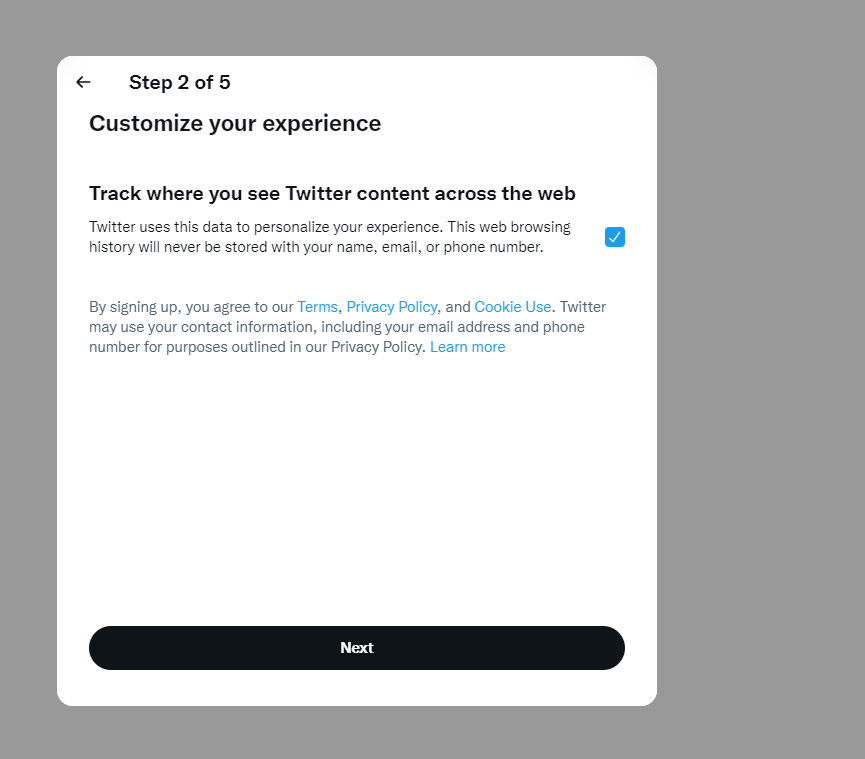
Yet again click "Next," and Twitter will allow you to revive your information in case you truly need to. Then, essentially click "Join" and Twitter will demand that you browse your phone or email.
You can change the phone or email that you entered or hit "Okay" to finish the actually take a look at connection. Enter the affirmation code you got and click "Next
Then, you'll need to set up a mystery word that is something like 6 characters. Record this some spot so you recall it.

Click "Permit cautions" to get sees when somebody follows your business, Retweets your substance, direct messages you, and when critical news is posted.
As of now you have legitimately sought after Twitter! The accompanying stages will help you with setting up the rest of your record.
Switch on location :
Go to Settings and privacy, then Privacy and safety. Under Data sharing and off-Twitter activity, go to Location information. Go to Add location information to your Tweets. If the box is checked, that means your location information attached to your Tweets is turned on.
2. Update your Twitter business profile
Then, at that point, you'll have to add things like a cover photo and your site to your Twitter profile. Go to your profile by tapping on your profile photo in the left menu bar.

Then, at that point, select "Alter profile" to refresh your data.
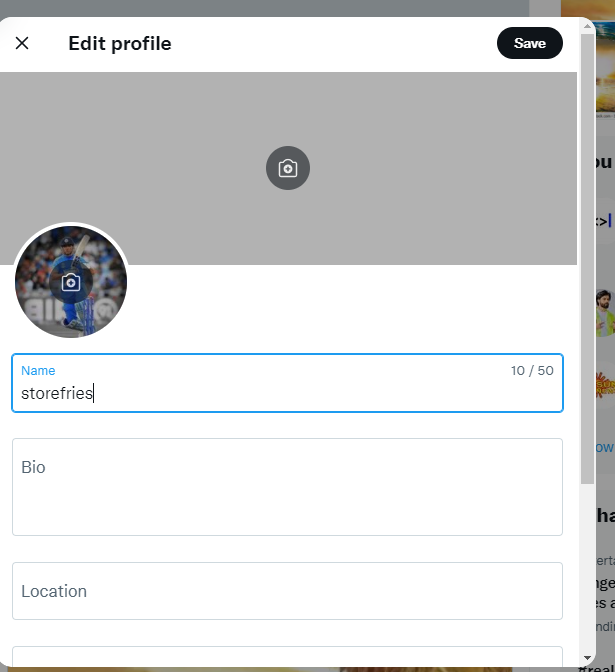
This will allow you to invigorate your profile and cover photos, change your name, update your profile (this is the portrayal you entered in the data trade process), add your region, add your site, and adjust your birthday.
Make sure to glance through this window and add your site so allies can plunge all the more profoundly into your business. Then, click "Save" when you are done.
3. Start Tweeting
Since your Twitter business account is set up with pertinent interests, data, and photographs, it's an ideal opportunity to begin Tweeting.
Select "Tweet now" on your profile to get everything rolling.

Not certain what to Tweet? Peruse on to get a couple of tips about the best substance for organizations to share on Twitter.
What to post on your business Twitter profile
Your business Twitter profile is right now set up, so it's an optimal chance to start Tweeting and sharing substance like crazy. Tweets don't continue to go long, so it's fundamental to have someone focused on your Twitter record to regularly Tweet for you.
The ordinary future of a Tweet is under 18 minutes since there is a predictable stream of new substance. But assuming your Tweet gets tons or Retweets, people will not most likely see it after that 18-minute span from the time you post it. So keep at it!
Here are a few extraordinary things for your business to Tweet or Retweet:
Twitter is just one piece of additional fostering your business' quality on the web. To continue to foster your web based detectable quality and your client base, you ought to use a response like Womply's standing organization programming. It will help you with managing your online reviews and expert references across various objections. Discover extra, notwithstanding get unattached checking and client pieces of information when you seek after Womply Free!